
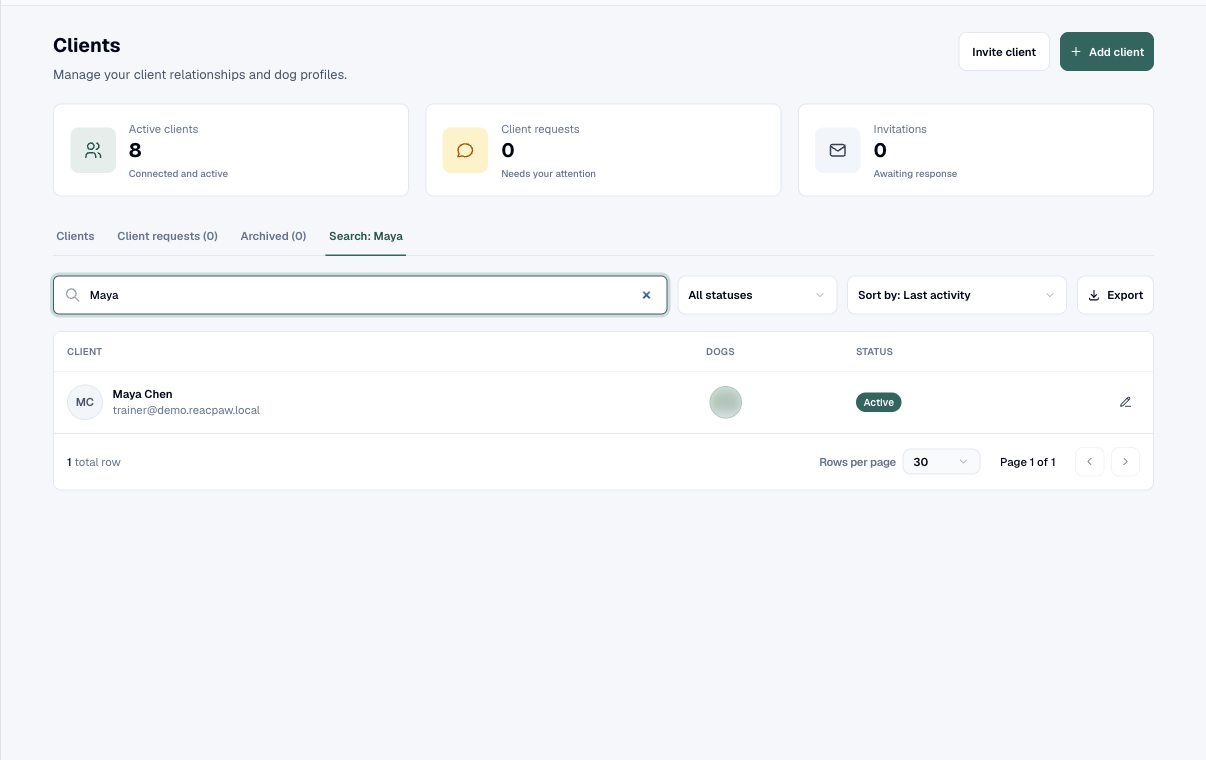
Client management
Keep every relationship, invitation, dog, appointment, and internal detail connected in one record.
Features
Eighteen connected feature groups around each dog, client, and training plan—so the work clients do at home shows up when you need it.
Keep every relationship, invitation, dog, appointment, and internal detail connected in one record.
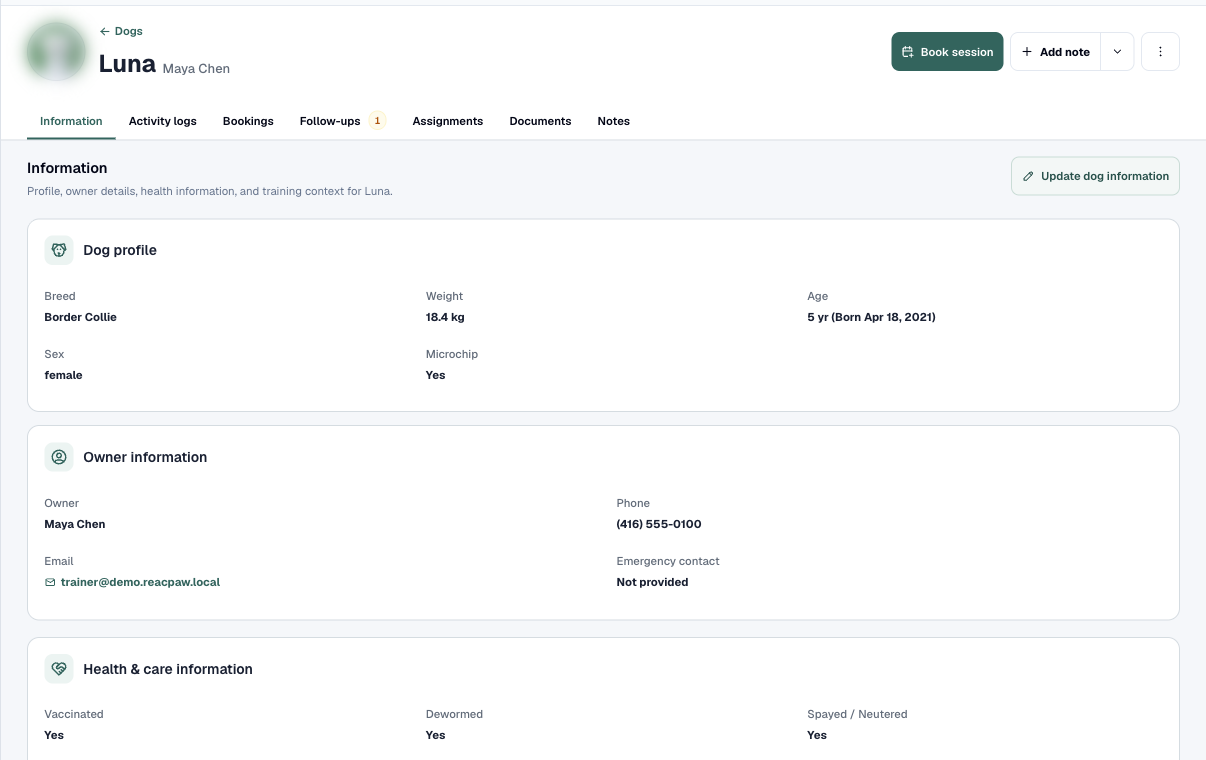
Bring health, behaviour, triggers, goals, bookings, notes, and training history into one dog workspace.
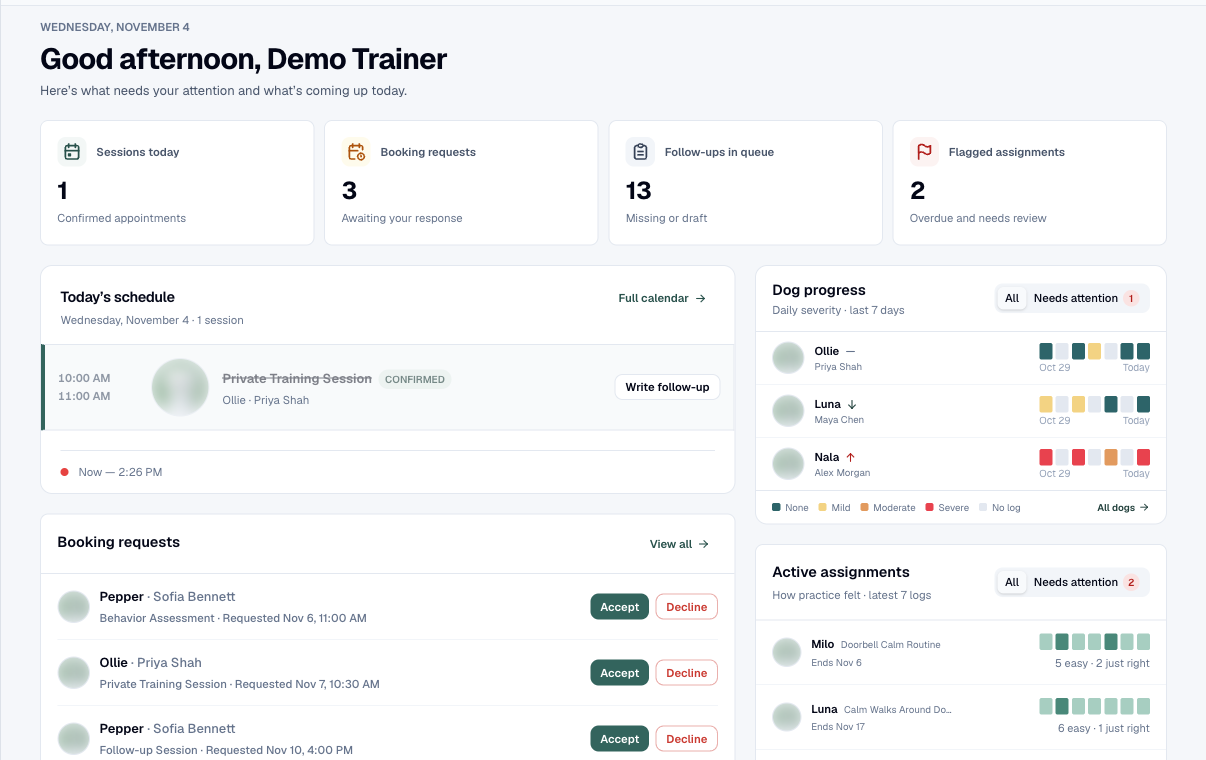
See today’s sessions, pending requests, active assignments, and dogs whose recent work needs attention.
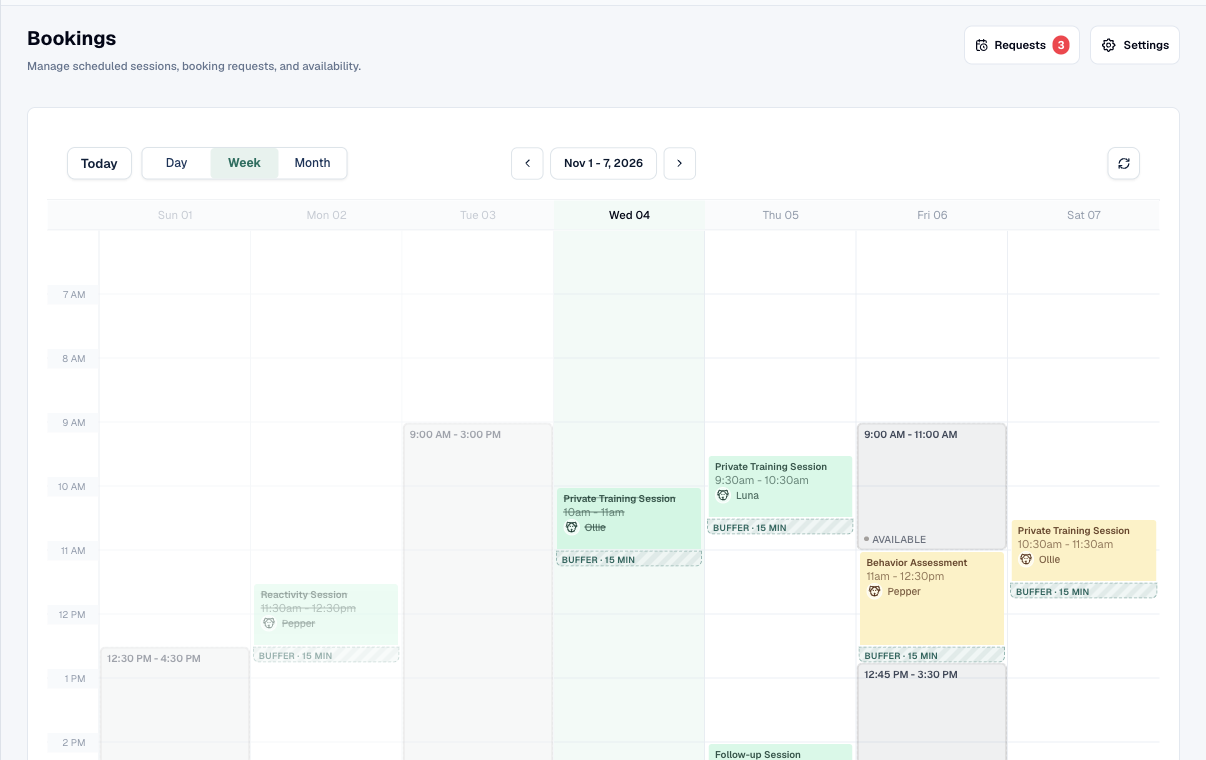
Manage availability, appointment types, booking requests, sessions, locations, and meeting details together.
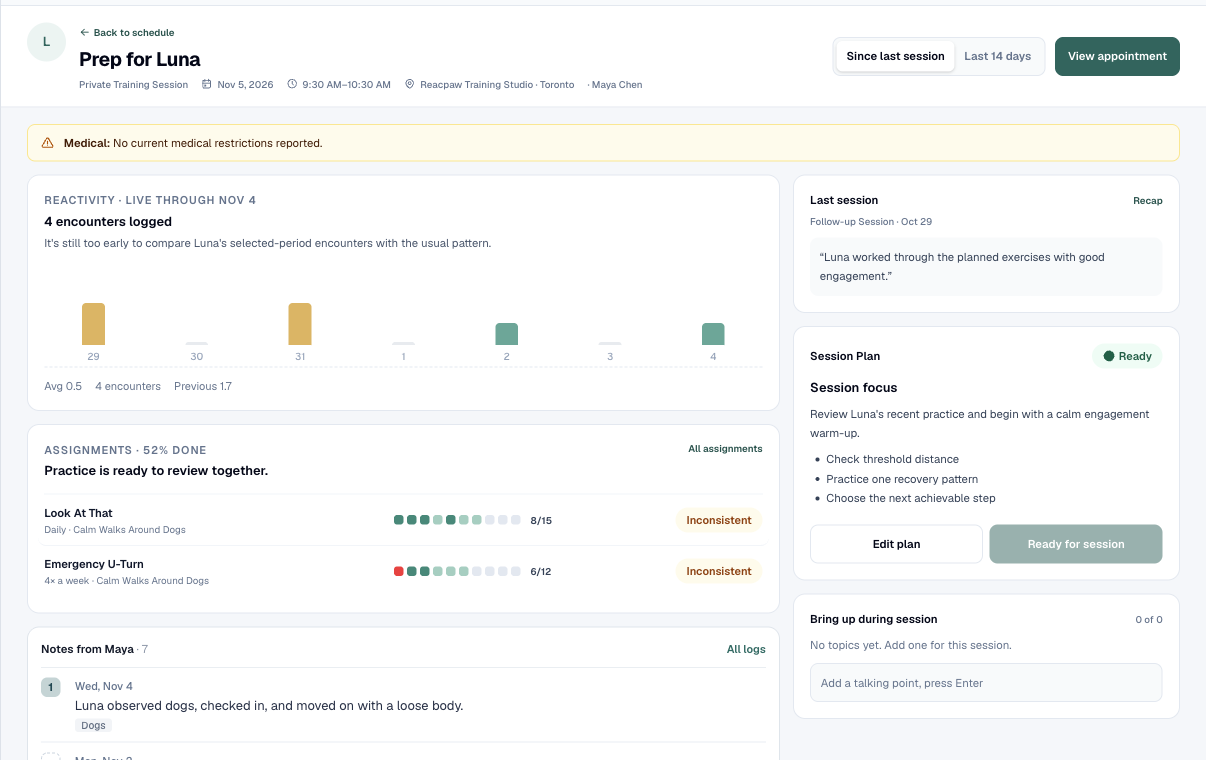
Walk into each session with health alerts, recent practice, client topics, and the previous session in view.
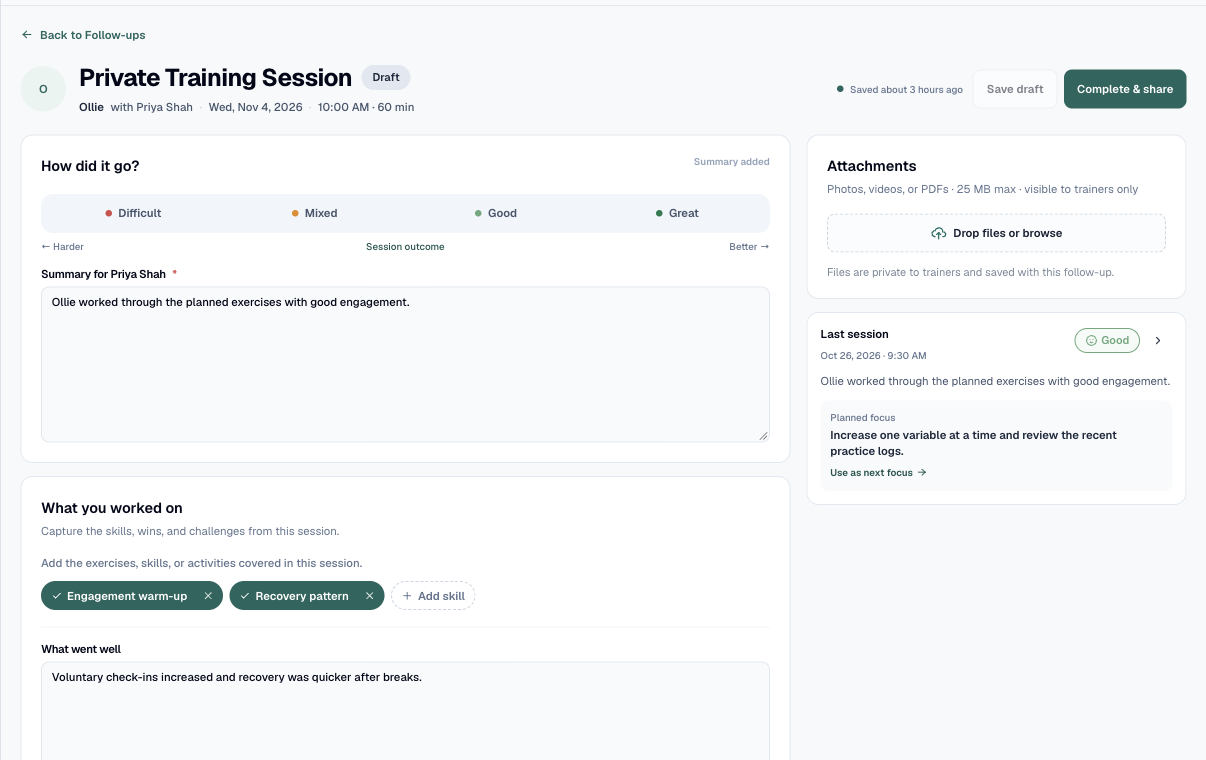
Keep the clinical detail of the session and the client’s next steps in the same connected workflow.
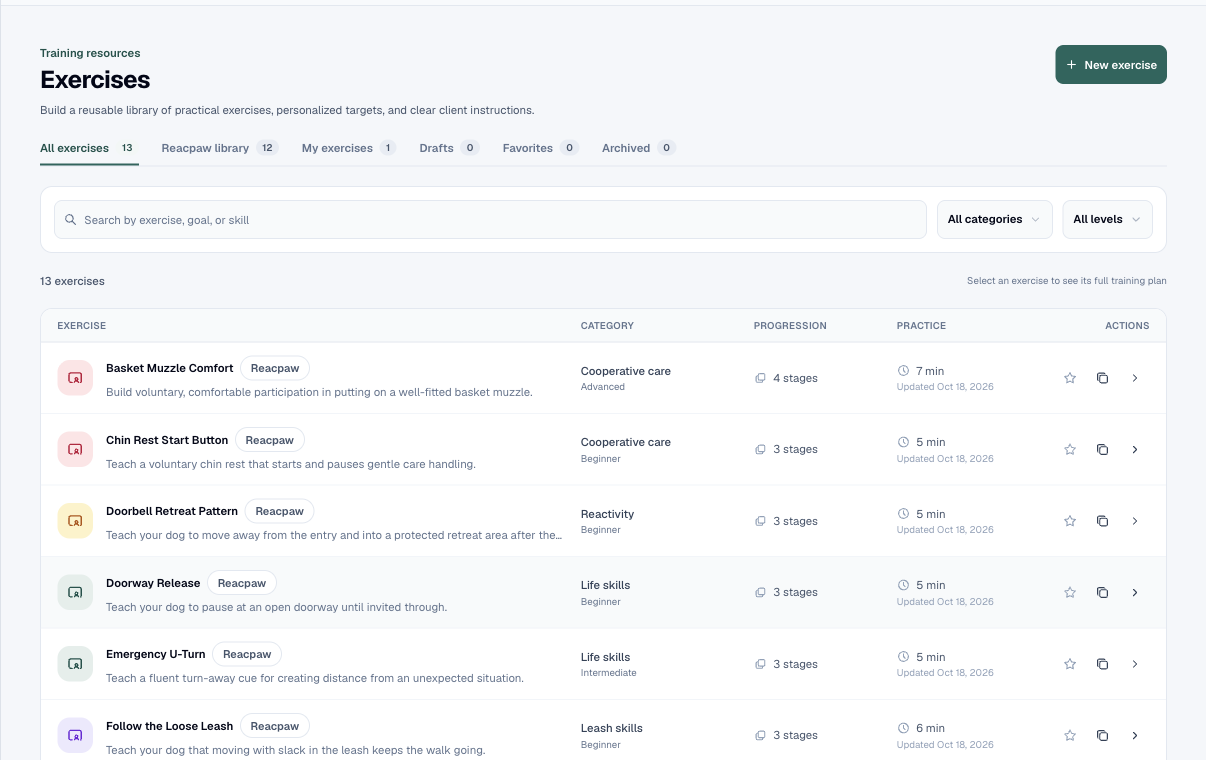
Build reusable, versioned training instructions with clear levels, client guidance, and safety support.
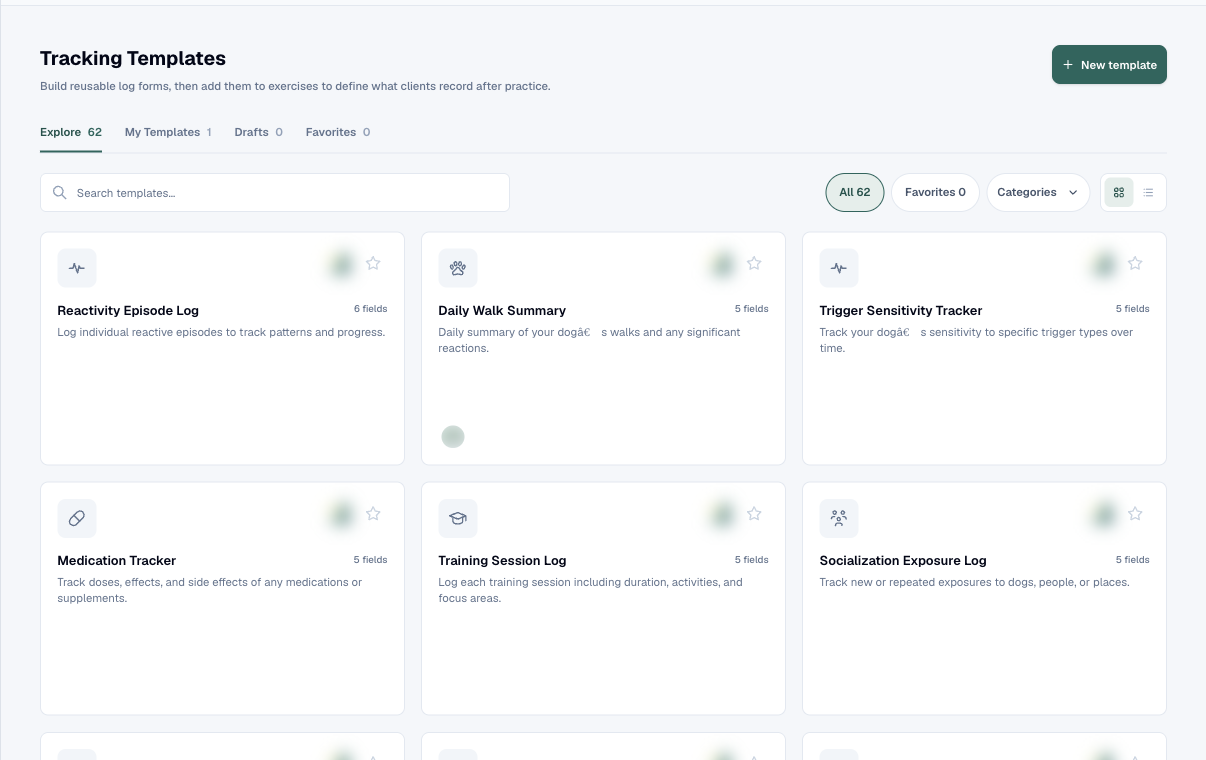
Choose exactly what clients log so every plan collects the behaviour and practice data that matters.
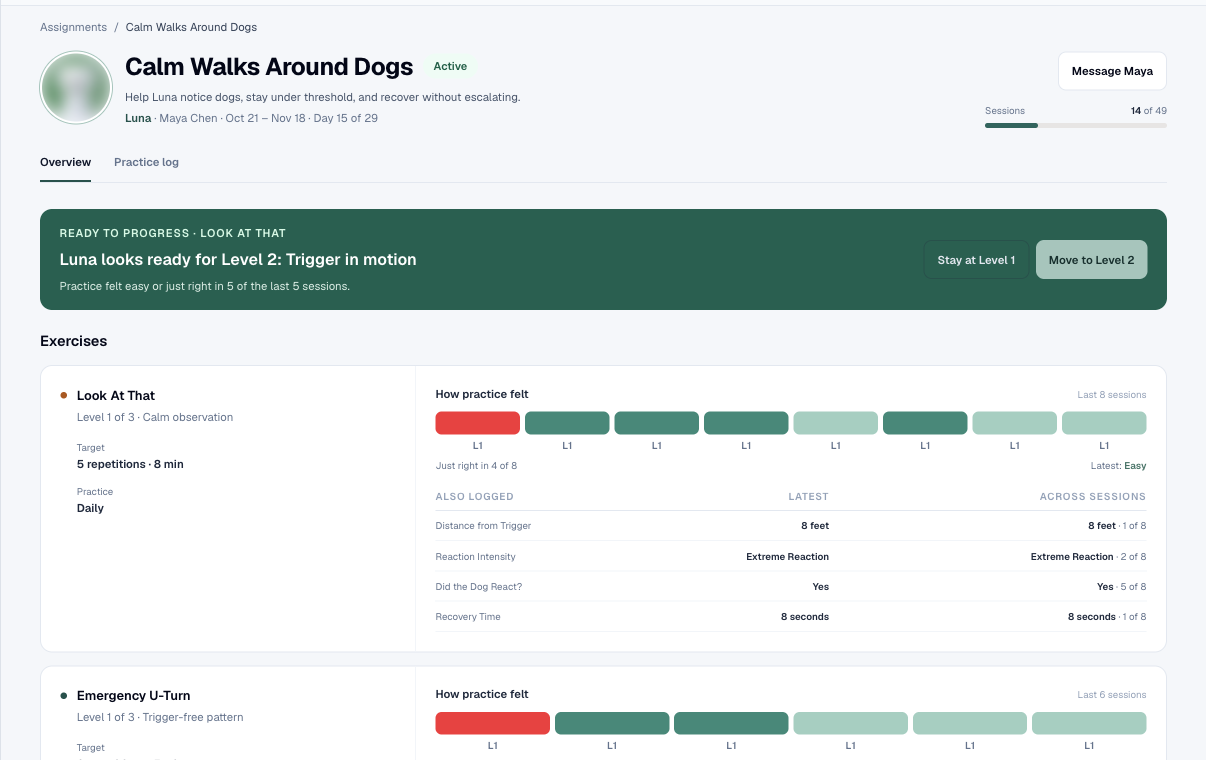
Turn exercises into a dog-specific plan with levels, targets, schedules, instructions, and practice logs.
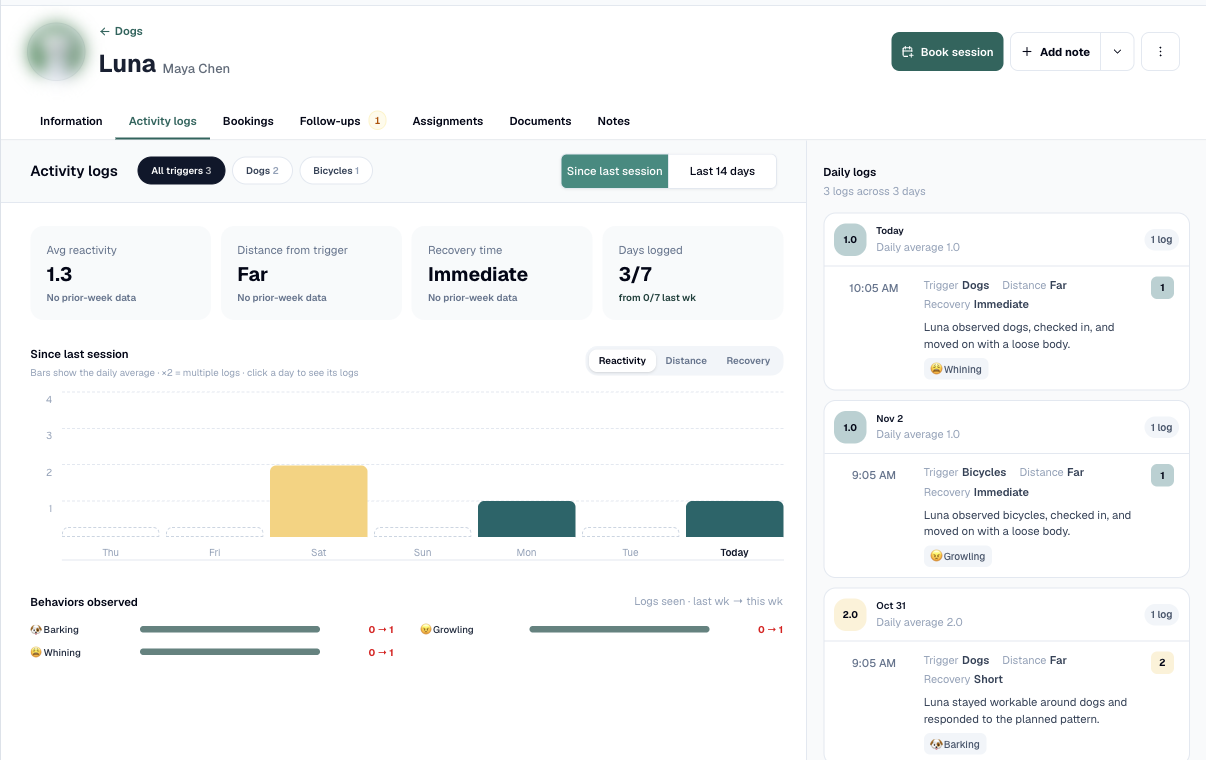
Connect every trend to the underlying practice, real-world event, note, or piece of client media.
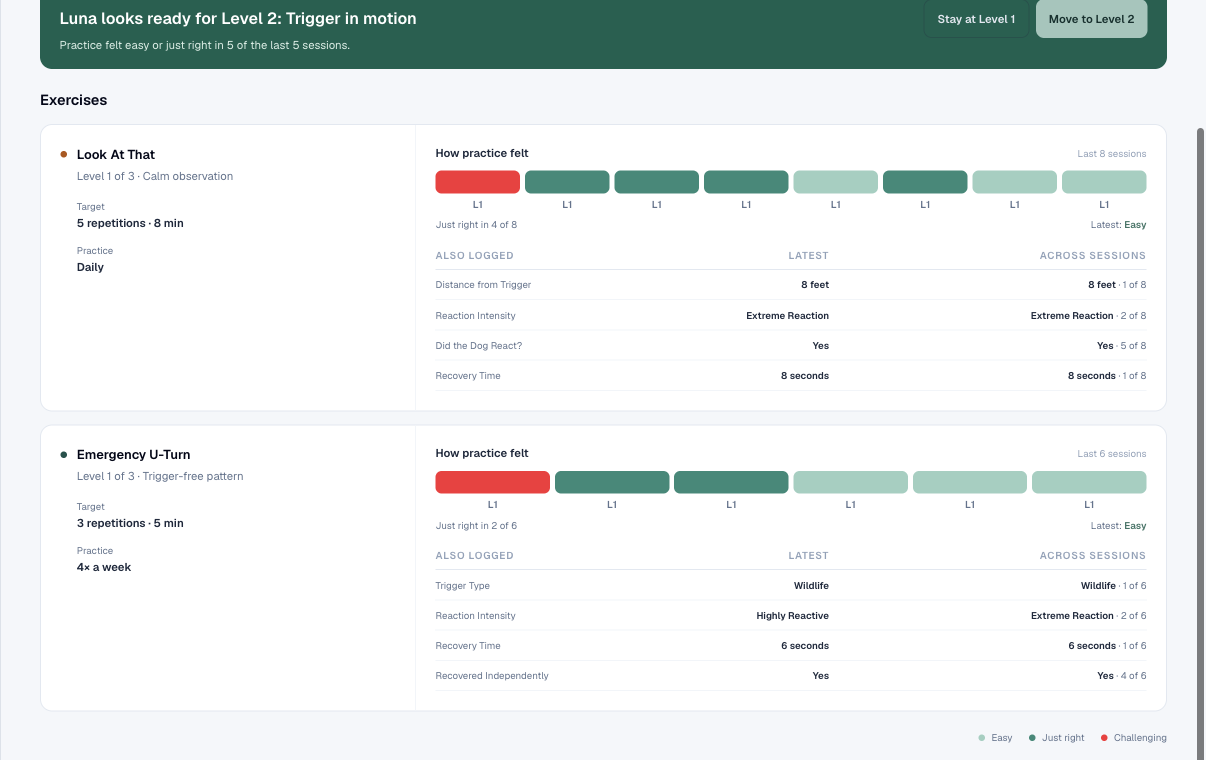
Respond to what the client actually practiced, with the dog’s plan and recent history already in view.
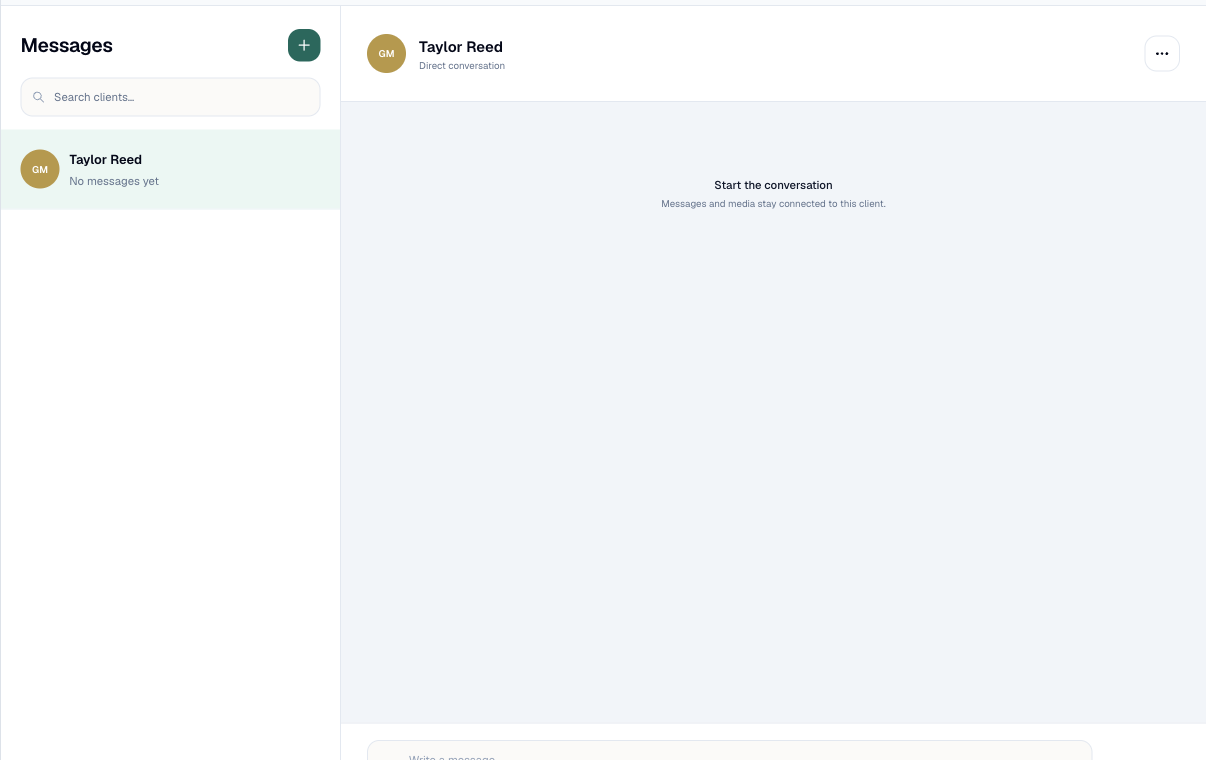
Keep one-to-one client conversations and their training context inside the same platform.
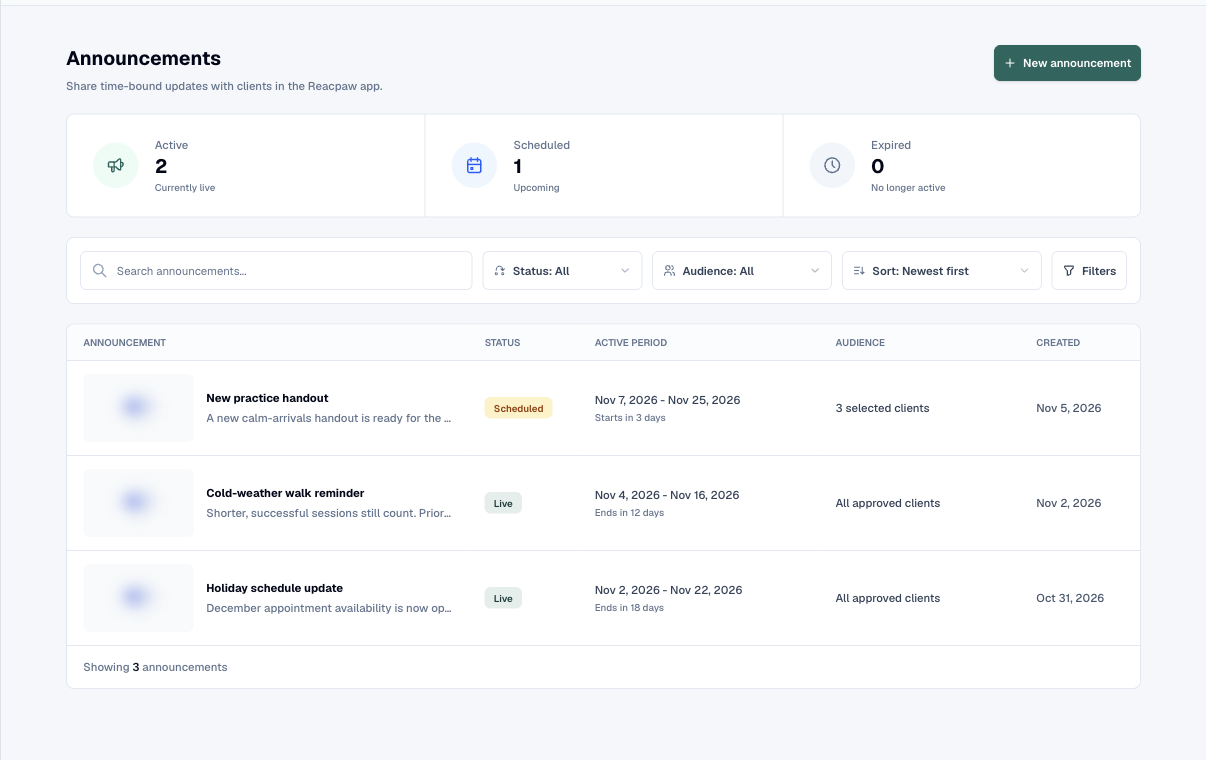
Send a time-bound update to every approved client or a selected audience without repeating messages.
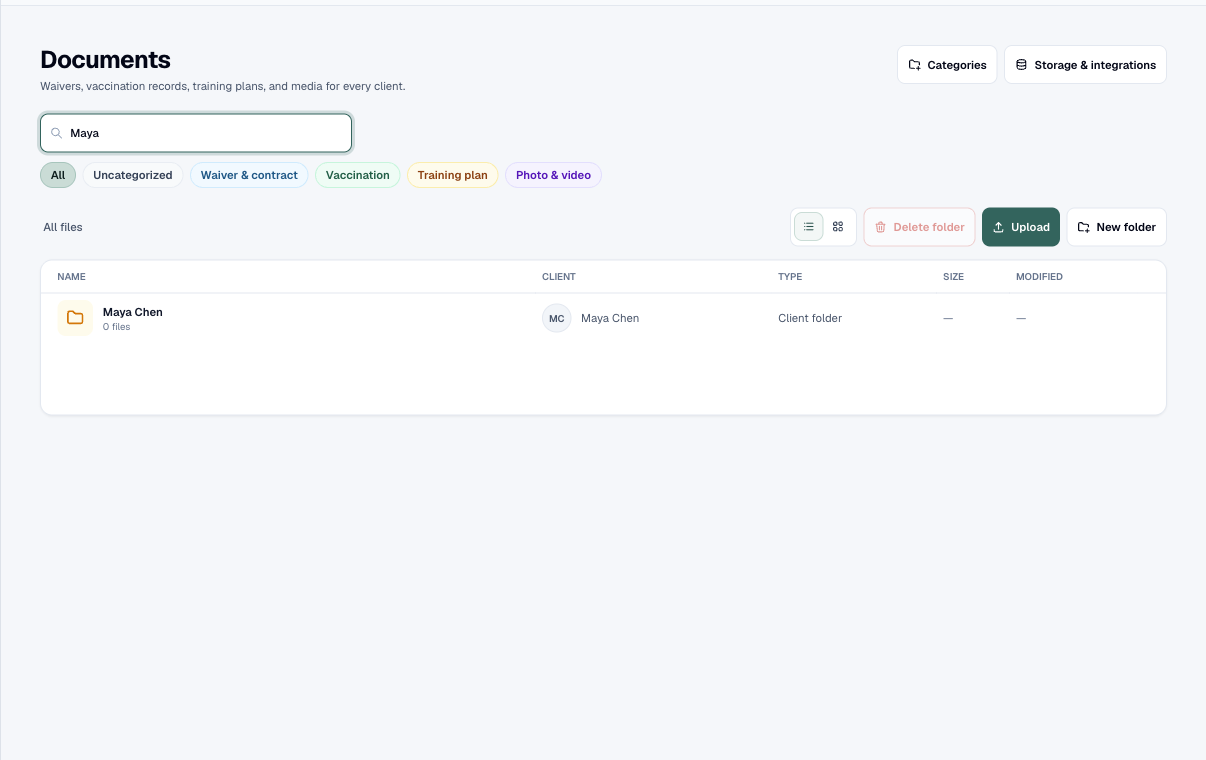
Organize records, plans, media, and client files by workspace, client, dog, and folder.
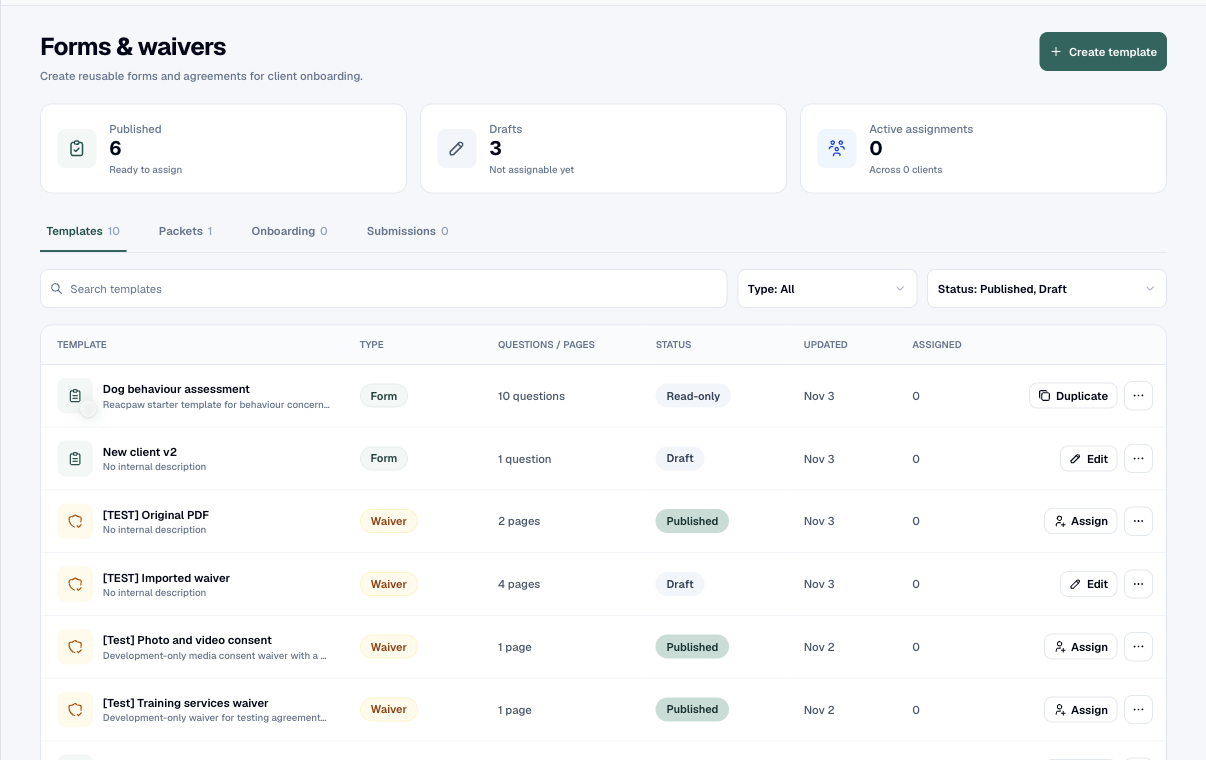
Collect intake details and signed agreements, combine them into onboarding packets, and send secure client workflows.
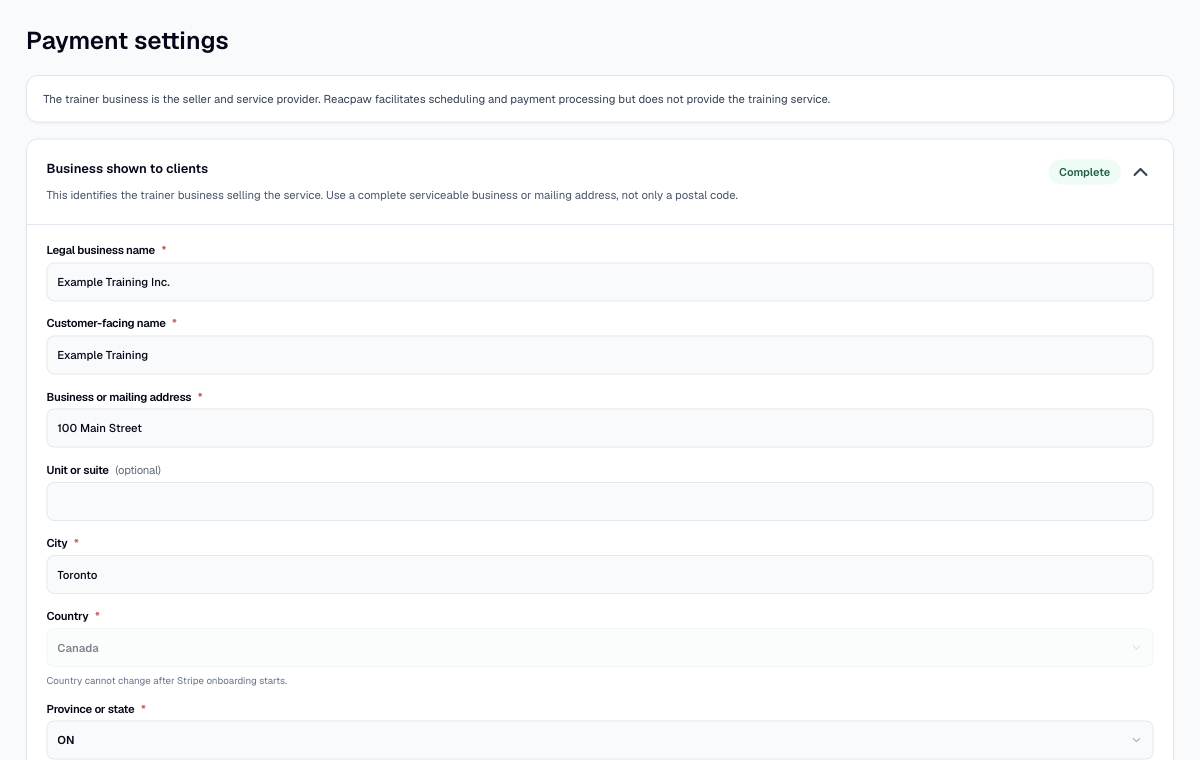
For eligible workspaces, connect appointment terms, online payment, receipts, and refunds to the booking.
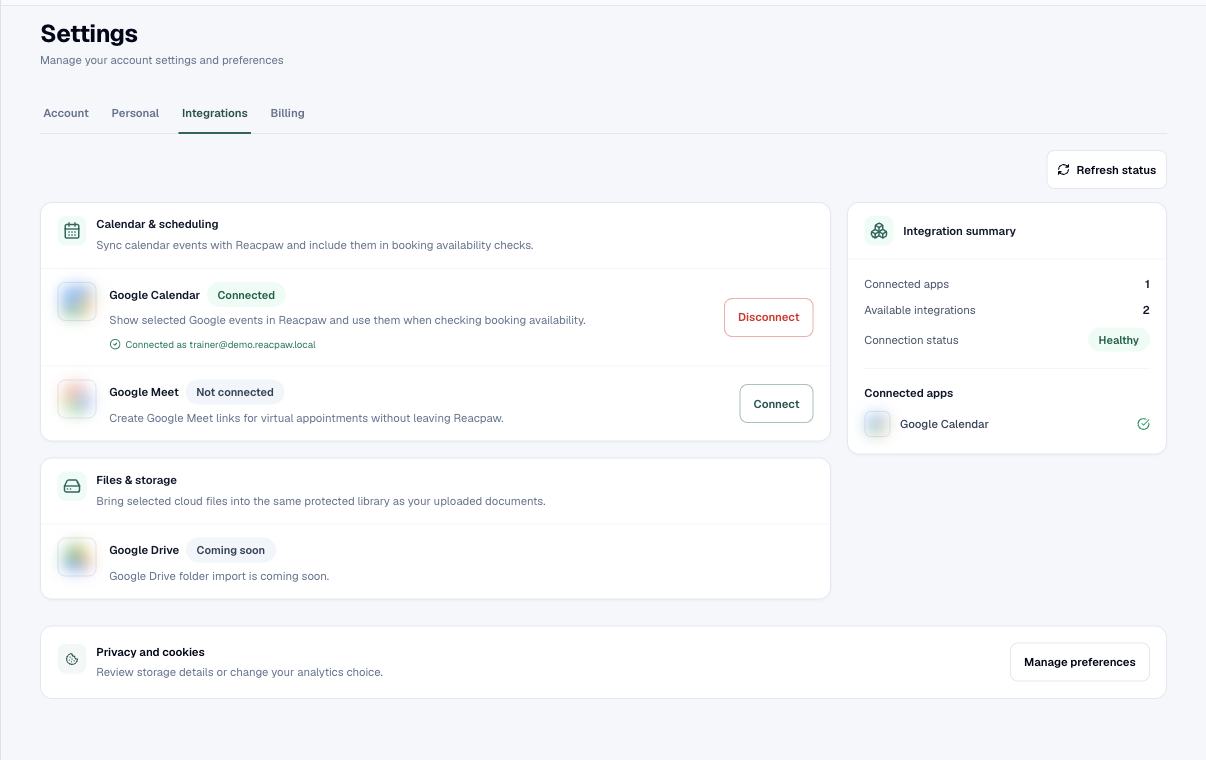
Configure the solo trainer profile, security, measurement system, connected services, subscription, and billing.
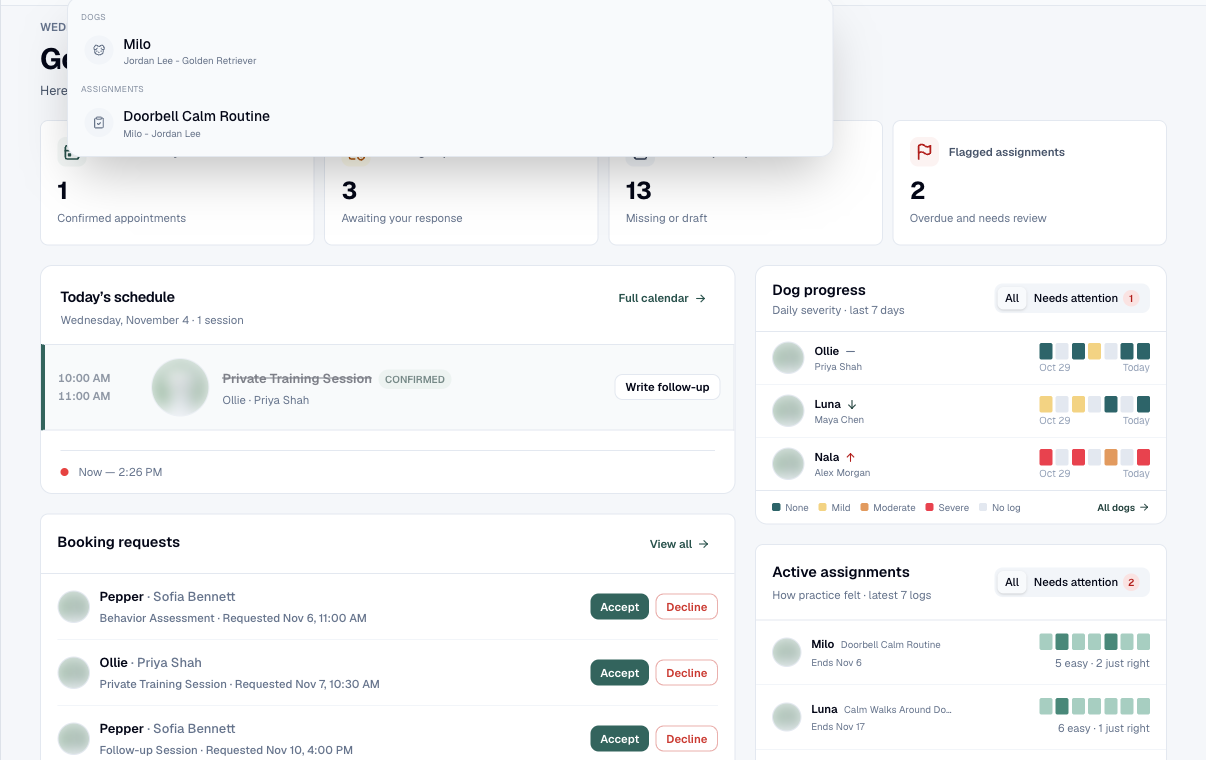
Move quickly across the workspace on the web, then carry the day’s training work into the mobile app.